

Table of Contents
- What Makes a Smart Security Camera Affordable
- How to Choose a Smart Home Security Camera
- Cloud Storage vs Local Storage for Security Cameras
- Best Security Cameras Without Monthly Fees
- Installation, Setup, and Long-Term Costs
- Privacy, Security, and Data Protection
- Conclusion
- Frequently Asked Questions
Last Updated: August 30, 2026
What Makes a Smart Security Camera Affordable
An affordable smart security camera combines essential security features with reasonable upfront costs and minimal ongoing expenses. The key to affordability is choosing cameras that prioritize features you actually need while cutting unnecessary premium add-ons.
The most affordable smart security cameras offer solid video resolution for identifying people and activity, reliable motion detection, and seamless integration with popular smart home ecosystems. Many provide local storage options that eliminate expensive monthly subscription fees, or offer cloud storage at reasonable rates. A $40 camera with 1080p resolution and reliable motion alerts outperforms a $150 camera with 4K resolution that constantly misses activity or requires expensive subscriptions (the FTC). Focus on detection accuracy, low-light video clarity, and reliable notifications.
How to Choose a Smart Home Security Camera
Selecting the right smart home security camera requires balancing technical factors, installation location, existing smart home ecosystem, storage preferences, and budget.
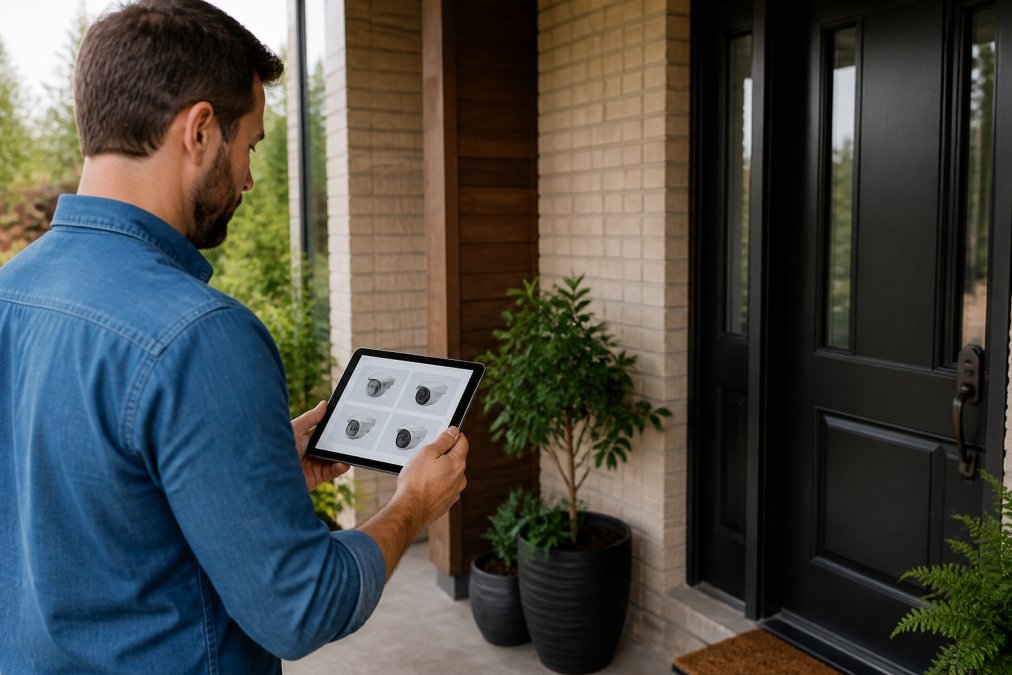
Resolution and Night Vision Quality
Video resolution determines how clearly you can see faces, license plates, and activity details. Most affordable cameras offer 1080p or 2K resolution. For front doors and entry points, 1080p provides adequate clarity to identify people and packages. For fine details like license plates, 2K offers noticeable improvement without 4K's premium price.
Infrared night vision shows images in black and white but works reliably in complete darkness. Color night vision uses ambient light to capture details in color at night, though it requires some light present. For most homeowners, infrared night vision is sufficient and more affordable. Test the specific camera model in your intended location before committing, since reflective surfaces and nearby lighting affect real-world performance.
Motion Detection and Smart Alerts
Motion detection makes a security camera useful rather than merely decorative. Person detection distinguishes between a person walking past versus a leaf blowing in wind, reducing false alerts that make you ignore notifications. Activity zones let you focus motion detection on specific areas, ignore motion on the street while monitoring your porch, or monitor a driveway while excluding moving trees. This targeted approach reduces alert fatigue and ensures you notice what matters.
Smart Home Integration and Compatibility
Your camera should integrate seamlessly with your existing smart home setup. If you use Amazon Alexa, choose a camera that works with Alexa. Google Home users should prioritize cameras with native Google Home integration. This enables voice control, allows you to view live feeds on smart displays, and lets you automate responses to motion detection.
Two-way audio capability lets you speak through the camera to visitors or potential intruders, providing genuine security value beyond simple recording.
Cloud Storage vs Local Storage for Security Cameras
The storage method you choose affects both ongoing costs and data privacy, often determining true long-term cost of ownership.
Cloud Storage: Convenience vs. Recurring Cost
Cloud storage services store video on manufacturer servers, accessible from anywhere through a mobile app. Entry-level plans typically cost $3-$10 per month per camera, while premium tiers cost $15-$30 per month. A $10/month subscription costs $600 over five years, often exceeding hardware cost itself.
Cloud storage also introduces dependency on manufacturer infrastructure. Server outages make footage temporarily inaccessible. If the manufacturer discontinues a product or goes out of business, you may lose access to historical footage. Most cloud storage terms grant manufacturers the right to access your footage for AI model training, algorithm improvement, or law enforcement requests. While reputable manufacturers limit these practices, the risk exists.
Local Storage: Privacy and Long-Term Control
Local storage uses microSD cards, attached hard drives, or network-attached storage (NAS) to save video directly on hardware you control. Your footage never leaves your home network, eliminating cloud breach exposure and manufacturer data access entirely. This guarantees 100% offline operation, critical for users prioritizing privacy or operating with unreliable internet connectivity.
Local storage requires more technical engagement. You must install and manage storage media, ensure sufficient capacity and lifespan, maintain home network security, manually back up footage if needed, and handle device replacement when drives fail. A quality 256GB microSD card costs $25-$40, and a 2TB external hard drive costs $80-$150. These are one-time or infrequent expenses. Over five years, local storage typically costs 60-70% less than cloud subscriptions.
Evaluating Local Storage Implementation Quality
Before purchasing a camera marketed as supporting local storage, verify:
Ease of Access: Can you easily download footage through the mobile app, or must you physically remove the microSD card? The best implementations let you search by date and download clips directly to your phone.
Storage Reliability: Does the camera support continuous loop recording (automatically overwriting oldest footage when storage fills), or does it stop recording when full? Loop recording is essential for long-term operation.
Retention Capacity: How much video can the camera store? Some manufacturers artificially limit local storage to push users toward cloud subscriptions. A well-designed camera stores 30-90 days on a 256GB card.
Offline Functionality: Can the camera record and store footage locally even if your WiFi is down? True local storage should work completely offline.
Format and Portability: Is footage stored in standard video formats (MP4, H.264) you can play on any device, or proprietary formats requiring manufacturer software? Standard formats ensure access even if the manufacturer discontinues support.
Hybrid Approach: Local Storage + Selective Cloud Backup
Many homeowners benefit from a hybrid strategy: use local storage as primary recording, then selectively upload important footage (alerts, detected persons, events) to cloud storage for redundancy and remote access. This approach eliminates continuous cloud subscription costs while providing cloud backup for critical footage and reducing cloud storage needs to a lower-tier plan ($3-$5/month instead of $10+/month). This hybrid model costs approximately 40-50% less than full cloud storage while retaining remote access for important events.
Best Security Cameras Without Monthly Fees
The most cost-effective affordable smart security cameras use local storage exclusively, eliminating subscription requirements entirely. These models store video on microSD cards installed directly in the camera or in attached external storage.
When evaluating cameras without monthly fees, verify that local storage actually works reliably. Some manufacturers make local storage difficult to access or limit storage capacity. The best models let you easily download footage, search by date and time, and maintain weeks or months of continuous recording depending on storage capacity.
A camera recording continuously at 1080p uses roughly 5-10 GB of storage per day. A 256GB microSD card stores approximately 25-50 days of continuous video. For longer retention without frequent upgrades, plan for external hard drives or network storage solutions.
Installation, Setup, and Long-Term Costs
Installing an affordable smart security camera should take 30 minutes to two hours depending on mounting location, power cables, and wireless connectivity setup.
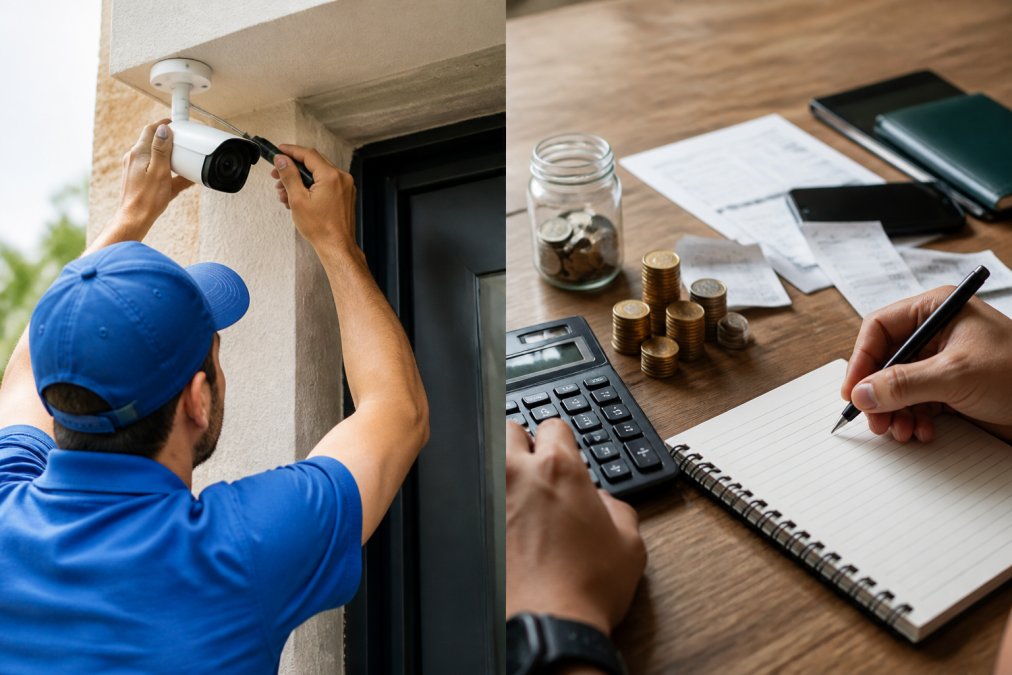
Installation Methods and Hidden Setup Costs
Wireless cameras simplify installation dramatically. You mount the camera, connect it to WiFi through the mobile app, and you're done. Battery-powered wireless cameras eliminate power cables entirely, though you'll need to replace or recharge batteries periodically, typically every 3-12 months. Budget $15-$40 per replacement battery set over five years if you run multiple cameras.
Wired cameras require running power cables, either through existing conduit or along exterior walls. This may require hiring an electrician ($150-$400 per camera location). However, wired cameras eliminate battery concerns entirely. Power over Ethernet (PoE) cameras run both power and data through a single network cable, offering the most reliable connectivity and lowest long-term maintenance, though they require a PoE-capable network switch (initial cost $100-$300, one-time).
WiFi-connected wired cameras avoid PoE requirements but still need power outlets. They're a middle ground: easier installation than PoE, more reliable than battery-powered wireless, but they require stable WiFi signal and may experience connectivity drops in areas with poor signal strength.
True Five-Year Cost of Ownership
Upfront hardware price tells only part of the affordability story. A complete cost analysis must account for subscriptions, storage upgrades, battery replacements, and infrastructure investments.
Local Storage Model (No Subscription):
- Camera cost: $60
- 256GB microSD card (lasts ~2 years): $30 × 2.5 cycles = $75
- Battery replacements (if wireless): $30 × 2-3 cycles = $75
- Total five-year cost: $210
- Annual cost: $42/year
Cloud Storage Model (Basic Plan):
- Camera cost: $60
- Cloud subscription: $10/month = $120/year × 5 = $600
- Battery replacements (if wireless): $75
- Total five-year cost: $735
- Annual cost: $147/year
Hybrid Model (Local + Premium Cloud for Remote Access):
- Camera cost: $60
- Cloud subscription (premium tier): $15/month = $180/year × 5 = $900
- 256GB microSD card replacements: $75
- Battery replacements: $75
- Total five-year cost: $1,110
- Annual cost: $222/year
Storage method selection is the single largest cost driver for affordable cameras. A $60 camera with no subscription costs $42 annually when accounting for storage media replacement. The same camera with a $10/month subscription costs $147 annually, a 250% increase in true ownership cost. Over five years, that difference compounds to $525.
Calculating Your Actual Storage Needs
Storage requirements depend on resolution, frame rate, and compression. A 1080p camera recording continuously uses approximately 5-10 GB per day (peer-reviewed research). A 2K camera uses 8-15 GB per day. H.265 compression reduces usage by roughly 40% compared to H.264.
For continuous recording retention:
- 256GB microSD card: 25-50 days of 1080p footage
- 1TB external hard drive: 100-200 days of 1080p footage
- 2TB network-attached storage: 200-400 days of 1080p footage
Event-based recording (only when motion is detected) reduces storage needs by 80-95%, extending a 256GB card to 6-12 months of usable footage. This is the practical sweet spot for budget-conscious homeowners: local storage with motion-triggered recording eliminates subscriptions while keeping storage costs minimal.
When Subscriptions Make Financial Sense
Cloud subscriptions become economically justified only if you need features local storage cannot provide: remote access from outside your home network, AI-powered search across months of footage, or automatic cloud backup for legal evidence preservation. If you access cameras only from home or have no need for historical footage search, local storage is almost always the lower-cost choice.
Privacy, Security, and Data Protection
Your security camera footage contains sensitive information about your home, routines, and visitors. Choosing cameras from manufacturers committed to data protection matters as much as choosing reliable hardware.
Encryption protects your video data in transit between the camera and your phone or cloud storage. The best affordable smart security cameras use standard encryption protocols like TLS 1.2 or higher.
Two-factor authentication adds a security layer to your camera account, requiring both a password and a verification code to log in. Enable two-factor authentication on any smart home security camera system, regardless of price.
Review the manufacturer's privacy policy before purchasing. Some companies retain the right to use your video footage for training AI models. Others promise they never access your footage except when you request support. Local storage offers inherent privacy advantages. Your video never leaves your home, so cloud-based data breaches cannot expose your footage. However, local storage requires you to maintain your own device security and protect storage devices against physical theft.
Conclusion
Selecting the best affordable smart security cameras for your home requires balancing resolution quality, motion detection accuracy, storage costs, and privacy considerations. The cameras that deliver genuine value focus on reliable person detection, clear night vision, and seamless smart home integration rather than unnecessary premium features.
At Uniq Trenz, we understand that homeowners need security solutions that protect their homes without creating financial strain. Our curated selection of affordable smart security cameras combines proven reliability with transparent pricing and privacy-respecting features. Start your smart home security setup today with cameras designed for real-world protection and genuine affordability. Federal Trade Commission guidance on smart home security recommends prioritizing devices from manufacturers who clearly disclose data handling practices and support strong authentication methods, standards that guide our curation process.
Visit Uniq Trenz to explore our complete selection of affordable smart security cameras and discover how to protect your home with confidence and clarity.
Frequently Asked Questions
What is the best affordable smart security camera without a subscription?
The best affordable smart security cameras without monthly fees are those with local storage options using microSD cards or built-in storage. These cameras use motion detection and two-way audio without requiring cloud storage subscriptions. Look for models with person detection and activity zones to reduce false alerts. Local storage gives you full control over your footage and eliminates recurring subscription costs, making it ideal for budget-conscious homeowners.
How do I choose a smart home security camera that fits my needs?
Start by identifying your primary use: indoor monitoring, outdoor surveillance, or both. Check the field of view (wider angles cover more area), night vision capability, and resolution quality for clear footage. Consider your smart home ecosystem, whether you use voice control with popular platforms, and verify two-way audio and motion detection features. Evaluate installation requirements and whether you prefer wireless connectivity or power over ethernet. Finally, compare long-term costs including any subscription plans and storage options.
Should I choose cloud storage or local storage for my security cameras?
Cloud storage offers remote access and automatic backups but requires ongoing subscription fees. Local storage using microSD cards or built-in drives eliminates monthly costs and keeps footage on your property, giving you complete privacy control. Local storage works best if you want to avoid subscriptions; cloud storage suits users who need real-time monitoring from anywhere and don't mind recurring fees. Many affordable cameras support both options, allowing you to choose based on your privacy preferences and budget.
Do affordable security cameras offer 24/7 recording capability?
Most affordable smart security cameras support 24/7 recording when using local storage with adequate microSD card capacity or built-in storage. However, continuous recording drains battery faster on wireless models. Many budget cameras default to motion-triggered recording instead, which conserves storage and battery life while still capturing important activity. Check the camera's frame rate and resolution settings, lower frame rates and resolution reduce storage demands and extend battery life on wireless cameras while maintaining usable footage quality.
This article was written using GrandRanker