

10 Best Portable Tech Gadgets for Remote Work 2026
Table of Contents
- 10 Best Portable Tech Gadgets for Remote Work 2026: Quick Comparison
- How We Evaluated These Portable Gadgets
- Essential Remote Work Desk Setup: Ergonomic Foundation
- Connectivity and Portable Power Solutions
- Best Portable Monitors for Remote Work
- How to Organize a Portable Workstation
- Which Gadgets Should You Buy First?
- Conclusion
- Frequently Asked Questions
Last Updated: September 1, 2026
10 Best Portable Tech Gadgets for Remote Work 2026: Quick Comparison
Remote work has fundamentally changed how professionals equip their workspaces. The shift from fixed office environments to distributed, mobile setups means your tech stack needs to deliver performance without sacrificing portability. At Uniq Trenz, we've curated a selection of portable tech gadgets designed specifically for remote workers who refuse to compromise on productivity, comfort, or connectivity.
The best portable tech gadgets for remote work 2026 balance three critical factors: ergonomic support for extended work sessions, reliable connectivity and power delivery, and compact form factors that fit into bags and backpacks without adding significant weight.
Quick Picks:
- Best Overall Ergonomic Support: Lumbar Comfort Cushion, provides essential back support for any seating environment
- Best Audio Solution: Humbird Bone Conducting Speaker, ultra-portable sound without bulky traditional speakers
- Best Connectivity: 360° Rotatable Smartphone Car Holder, keeps devices accessible and positioned for video calls
- Best Climate Control: Mini Cooling Foldable Fan, hands-free cooling for any work environment
- Best Workspace Organization: RGB Mouse Pad with Cable, combines productivity with built-in connectivity
| Gadget | Price | Key Benefit | Best For |
|---|---|---|---|
| Lumbar Comfort Cushion | $20.99 | Ergonomic support | Long work sessions |
| Humbird Bone Conducting Speaker | $71.99 | Portable audio | Video calls & music |
| Mini Cooling Foldable Fan | $32.99 | Hands-free cooling | Warm environments |
| AI Camera Smart Glasses | $165.00 | Hands-free recording | Content creators |
| RGB Mouse Pad with Cable | $35.99 | Workspace organization | Gaming & productivity |
How We Evaluated These Portable Gadgets
Selecting the best portable tech gadgets for remote work 2026 requires understanding what separates genuinely useful tools from trendy distractions. We prioritized gadgets that solve real problems remote workers face: maintaining proper posture, managing connectivity, staying comfortable in varying environments, and organizing compact workstations efficiently.
Our evaluation criteria focused on portability without sacrificing functionality. Weight-to-performance ratios matter when carrying equipment daily. We assessed universal compatibility, durability, and real-world reliability in unpredictable environments. Finally, we considered actual workflow improvements these gadgets deliver, tools that genuinely reduce friction in your daily routine rank highest.
Essential Remote Work Desk Setup: Ergonomic Foundation
The foundation of any productive remote workstation starts with ergonomics. Poor posture during extended work sessions leads to back pain, neck strain, and reduced productivity that compounds over weeks and months (peer-reviewed research).
The Lumbar Comfort Cushion addresses this directly. At just $20.99, it provides ergonomic support that transforms any chair into a comfortable workspace. The cushion's design promotes proper spinal alignment, reducing strain during the four to eight hours many remote workers spend seated daily (the CDC). Its lightweight, portable construction means you can move it between home, coffee shops, and co-working spaces without adding meaningful weight to your bag.
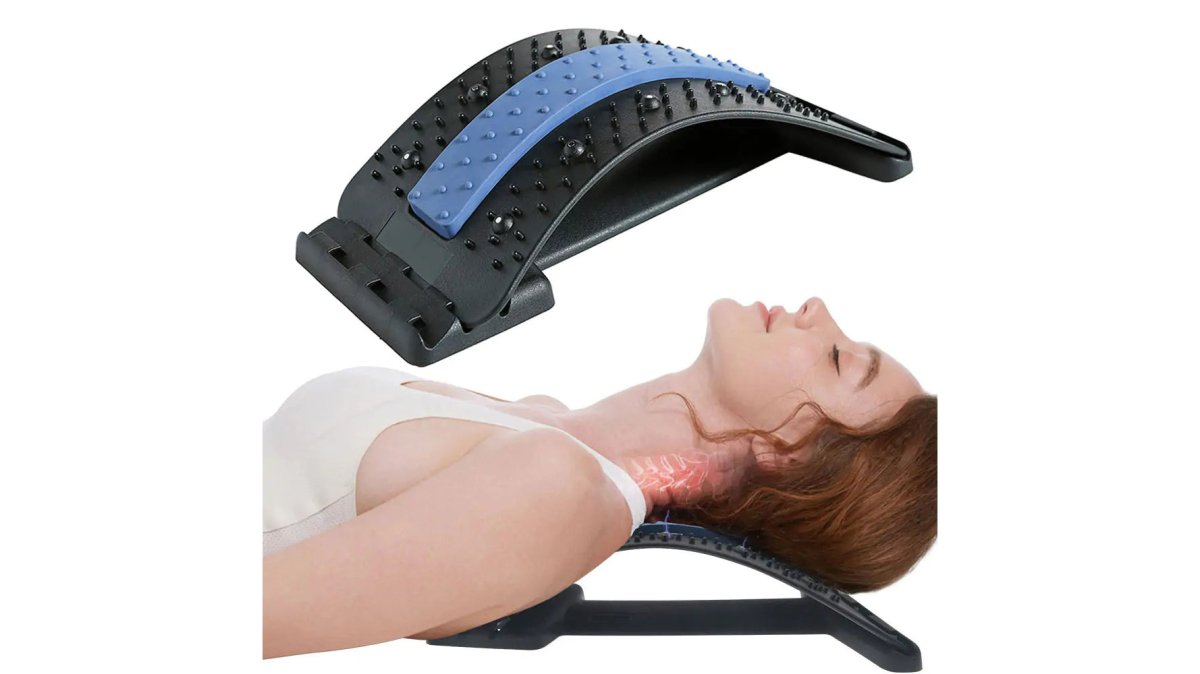
What makes this approach work is consistency. The cushion's soft, durable materials maintain their supportive properties through daily use.
Connectivity and Portable Power Solutions
Remote work depends on reliable connectivity and sufficient power to keep devices running throughout the day. Your portable tech gadgets must address both connectivity needs and power delivery simultaneously.
The 360° Rotatable Smartphone Car Holder ($20.99) solves a critical connectivity problem for remote workers who move between locations. During video calls, presentations, and client meetings, your smartphone needs to be positioned at eye level and within arm's reach. This gadget provides universal compatibility with phones ranging from compact to large-screen devices. The rotatable design allows 360-degree positioning, adapting to portrait or landscape orientation depending on your current task.
Battery capacity determines how long you can work away from power outlets. The Mini Cooling Foldable Fan ($32.99) includes a 3000mAh built-in battery that provides 4-12 hours of cooling airflow depending on which of its three speed settings you use. Quick USB recharging in approximately four hours means you can top up during lunch breaks or overnight. The three adjustable speed settings let you balance cooling comfort against battery life, extending usability in warm environments.
Best Portable Monitors for Remote Work
Screen real estate fundamentally affects remote work efficiency. Most remote workers rely on a single laptop or tablet screen, which constrains multitasking and forces constant window switching. Portable monitors address this limitation while maintaining the mobility that defines remote work.
When evaluating portable monitors for remote work, prioritize USB-C connectivity and power delivery. The best portable monitors for remote work 2026 feature universal compatibility across Windows, Mac, and Linux systems. Look for models offering both video input and power delivery through a single USB-C connection, eliminating cable clutter and reducing adapters you need to carry.
Resolution and brightness matter more for portable displays than for stationary monitors. Working outdoors or in bright coffee shops requires higher brightness levels to maintain visibility. A 1440p resolution on a 15-inch portable monitor delivers sufficient screen real estate without excessive weight. Most quality portable monitors weigh between 1-2 pounds, making them genuinely portable without sacrificing display quality.
USB-powered models eliminate the need to manage another device's charging cycle. Your laptop's USB-C port can power both data transmission and the monitor simultaneously, simplifying your portable workstation setup.
How to Organize a Portable Workstation
Organization determines whether your portable tech gadgets enhance or hinder your workflow. Effective portable workstation organization starts with categorizing your gadgets by function: ergonomic support, connectivity, audio, power, and workspace optimization.
Cable management deserves specific attention. The RGB Mouse Pad with Cable ($35.99) exemplifies how smart design reduces cable clutter. Its built-in USB hub consolidates peripheral connections into a single connection point. Rather than managing separate cables for mouse, headset, and other USB devices, you connect everything to the mouse pad's hub, then connect the mouse pad to your laptop.
The mouse pad's gel-filled wrist rest provides ergonomic support during extended work sessions while the skid-resistant base keeps everything stable on various surfaces. For remote workers constantly switching between different tables and work environments, this stability matters significantly.
Cable organizers and dedicated compartments in your work bag prevent tangled messes. Small pouches for cables, adapters, and power banks keep everything accessible without creating bulk. Consider weight distribution when organizing your portable workstation, heavier items like monitors should sit at the bottom and back of your bag, while frequently accessed items should be easily reachable.
Which Gadgets Should You Buy First?
Building your portable tech gadget collection strategically prevents wasted spending on tools you don't actually need. A prioritized approach focuses on gadgets that deliver immediate, measurable improvements to your daily work experience.
Start with ergonomic support if you're experiencing back or neck pain. The Lumbar Comfort Cushion ($20.99) addresses this foundational need at minimal cost and weight. Poor ergonomics create compound problems: reduced focus, afternoon fatigue, and long-term health issues.
Your second priority should address your specific work environment challenges. If you frequently work in warm spaces, the Mini Cooling Foldable Fan ($32.99) delivers immediate comfort improvements. If you conduct frequent video calls, the 360° Rotatable Smartphone Car Holder ($20.99) ensures professional positioning during client interactions.
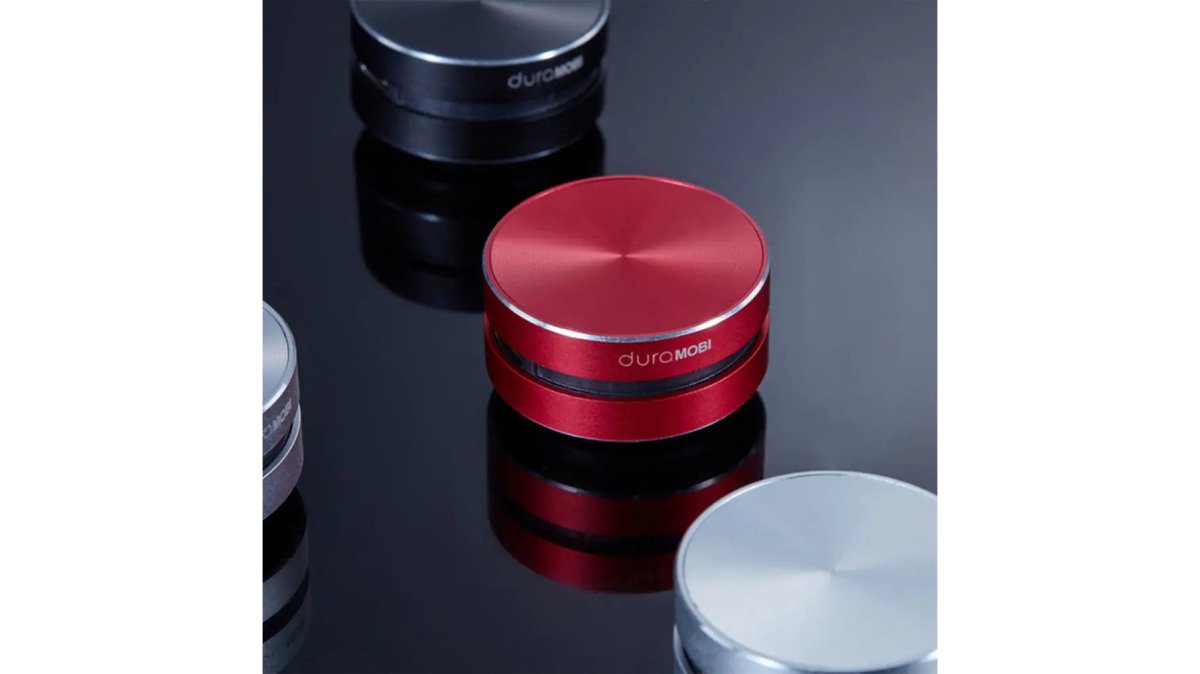
Audio quality becomes critical as remote work increasingly involves video calls and virtual meetings. The Humbird Bone Conducting Speaker ($71.99) solves audio problems that built-in laptop speakers create. Its bone conduction technology transforms any solid surface into a speaker, delivering audio clarity that makes video calls feel less isolating.
Workspace organization tools like the RGB Mouse Pad with Cable ($35.99) rank as medium-priority investments. They improve workflow efficiency and reduce cable clutter, but these benefits develop gradually as you integrate the tool into your daily routine.
The LED Light Wired Gamer Headset ($47.99) addresses audio and comfort simultaneously. While marketed toward gamers, its crystal-clear audio, ergonomic design, and vibrant LED lighting make it valuable for remote workers conducting extended video calls.
For content creators and professionals who record video frequently, the AI Camera Smart Glasses ($165.00) represent a significant investment but deliver unique capabilities. HD video recording from a first-person perspective, anti-shake stabilization, and built-in AI functions create a tool that traditional cameras can't replicate.
| Gadget | Priority | Best For | Investment |
|---|---|---|---|
| Lumbar Comfort Cushion | First | Back/neck pain relief | $20.99 |
| Smartphone Car Holder | First | Video call positioning | $20.99 |
| Mini Cooling Foldable Fan | Second | Warm work environments | $32.99 |
| Humbird Bone Conducting Speaker | Second | Audio quality | $71.99 |
| RGB Mouse Pad with Cable | Third | Cable management | $35.99 |
| LED Light Wired Gamer Headset | Third | Extended video calls | $47.99 |
| AI Camera Smart Glasses | Fourth | Content creation | $165.00 |
Conclusion
Building an effective portable workstation requires matching gadgets to your actual work patterns and environment. The 10 best portable tech gadgets for remote work 2026 share a common characteristic: they solve specific, measurable problems that remote workers face daily. From ergonomic support that prevents back pain to portable audio solutions that enhance video call quality, each gadget earns its place through practical utility.
Your portable tech gadget collection should evolve as your remote work patterns change. Regularly evaluate whether your tools still address your current workflow needs, and don't hesitate to replace gadgets that no longer serve your work style.
At Uniq Trenz, we understand that remote workers need reliable, durable, compact solutions that enhance daily productivity. Our curated selection of portable tech gadgets combines high-quality construction with practical functionality, each item designed for professionals who refuse to compromise on performance despite working outside traditional office environments. Browse our collection of trending gadgets and discover the tools that transform your remote work experience into something genuinely comfortable and efficient.
Frequently Asked Questions
Q: What are the most essential portable tech gadgets for remote work?
A: The foundation includes ergonomic support (like a lumbar cushion at $20.99), reliable audio (bone-conducting speaker at $71.99), and connectivity tools. Prioritize items that reduce physical strain and improve video conferencing quality. A portable workstation thrives on tools that handle the three core needs: comfort during extended sitting, clear audio for calls, and power delivery for your devices. Start with ergonomics, then add audio and connectivity based on your work environment.
Q: How do I organize a portable workstation for maximum productivity?
A: Group gadgets by function: ergonomic support in one section, audio/connectivity in another, and power solutions separately. Use cable organizers and compact cases to prevent tangling. When organizing a portable workstation, keep frequently used items (headset, phone holder) accessible on top, and reserve bottom layers for heavier items like power banks. Invest in a quality travel bag with compartments to maintain organization during transit.
Q: What's the difference between portable monitors and smartphone displays for remote work?
A: Portable monitors offer larger screen real estate (typically 13-15 inches) for multitasking and document review, while smartphones provide convenience but limited workspace. Best portable monitors for remote work deliver 1080p or higher resolution with USB-C connectivity, allowing you to extend your laptop display without external power sources. For knowledge workers managing spreadsheets or design work, a portable monitor justifies its investment. For email-focused roles, your laptop screen may suffice.
Q: Are noise-cancelling headsets worth the investment for remote work?
A: Yes, especially if you take frequent video calls or work in shared spaces. Noise-cancellation reduces background distractions for both you and call participants, improving communication clarity. The LED Light Wired Gamer Headset at $47.99 combines crystal-clear audio with ergonomic comfort for extended wear.
Q: How do I choose between different portable cooling and comfort gadgets?
A: Consider your work environment and climate. The Mini Cooling Foldable Fan ($32.99) suits warm offices or outdoor work with its 4-12 hour battery life and hands-free design. The Lumbar Comfort Cushion ($20.99) addresses sedentary strain regardless of temperature. Prioritize based on your primary pain point: if heat disrupts focus, invest in cooling; if back discomfort limits productivity, start with lumbar support. Most remote workers benefit from having both for seasonal flexibility.
Remote work success depends on having the right tools positioned correctly. Whether you're struggling with ergonomic discomfort, connectivity challenges, or workspace organization, Uniq Trenz offers portable tech gadgets that solve these problems directly. Explore our curated collection and START SHOPPING to build your ideal portable workstation today.
This article was written using GrandRanker